PeyPhone for Android

Your communities and chats in your pocket — the same PeyPhone you know from the web, now as a native Android app.

SHA-256: f90970250c199fb3e665b681fdce9703ddd97f890fe16927f3234c320146f38f

What's new in 1.3.10

  • Stays logged in after restart
  • Works offline on launch
  • Photos, videos and files open and download

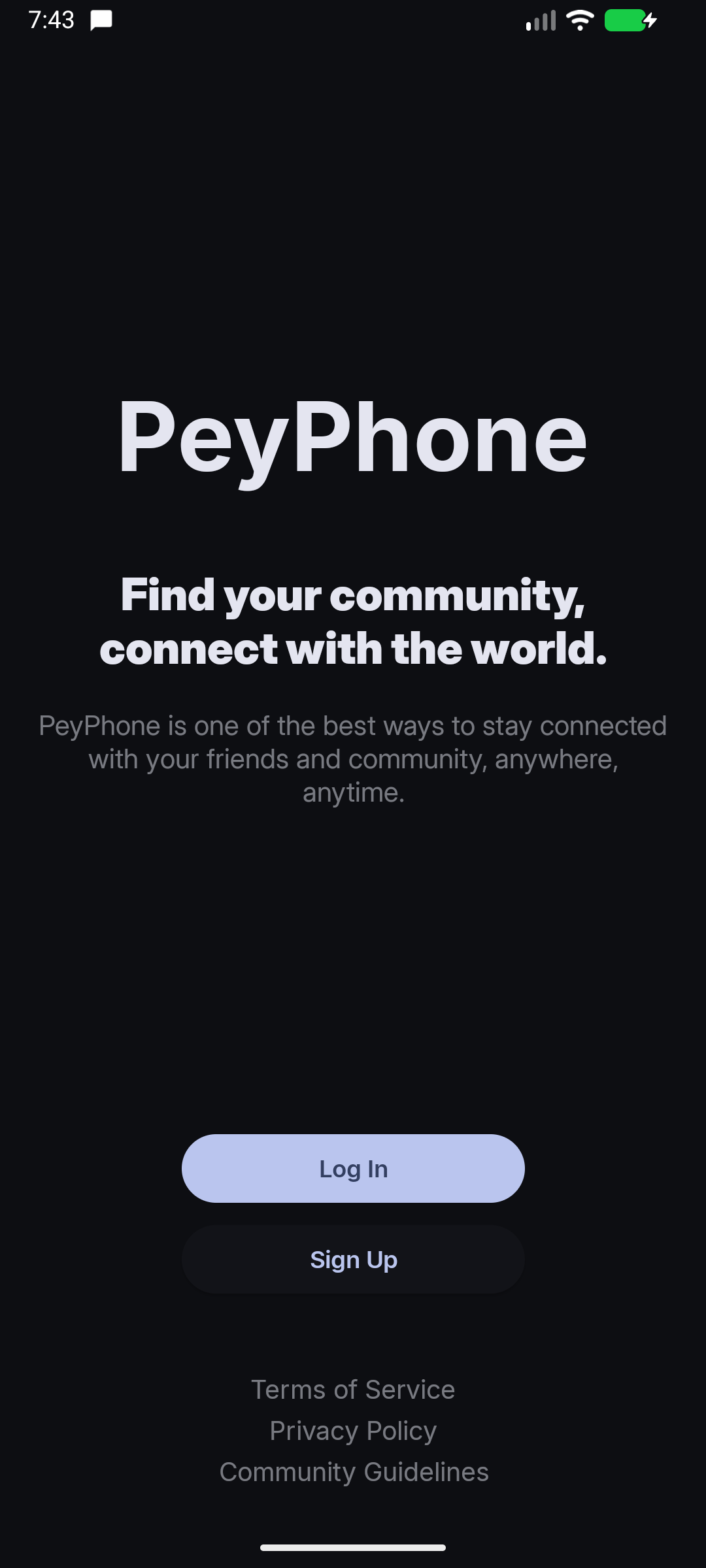
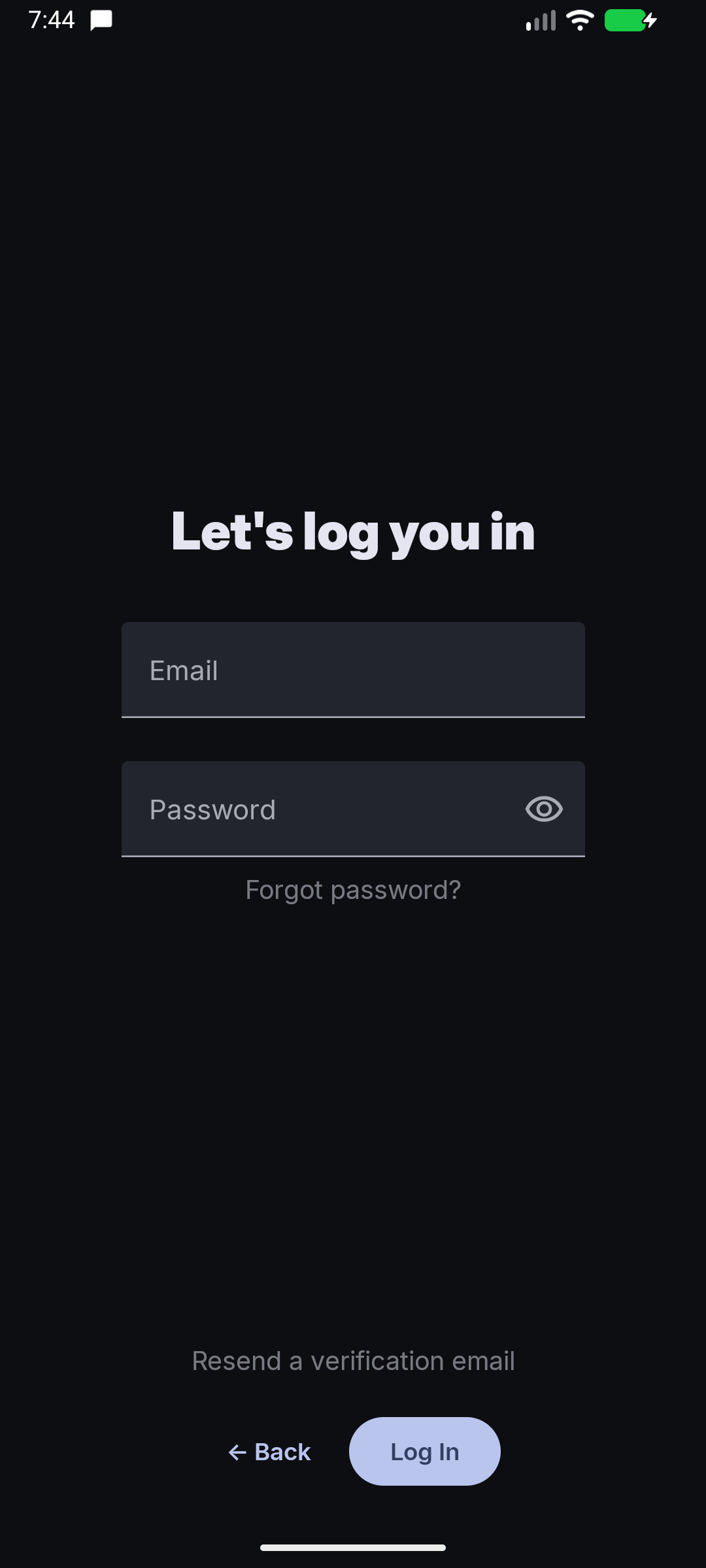
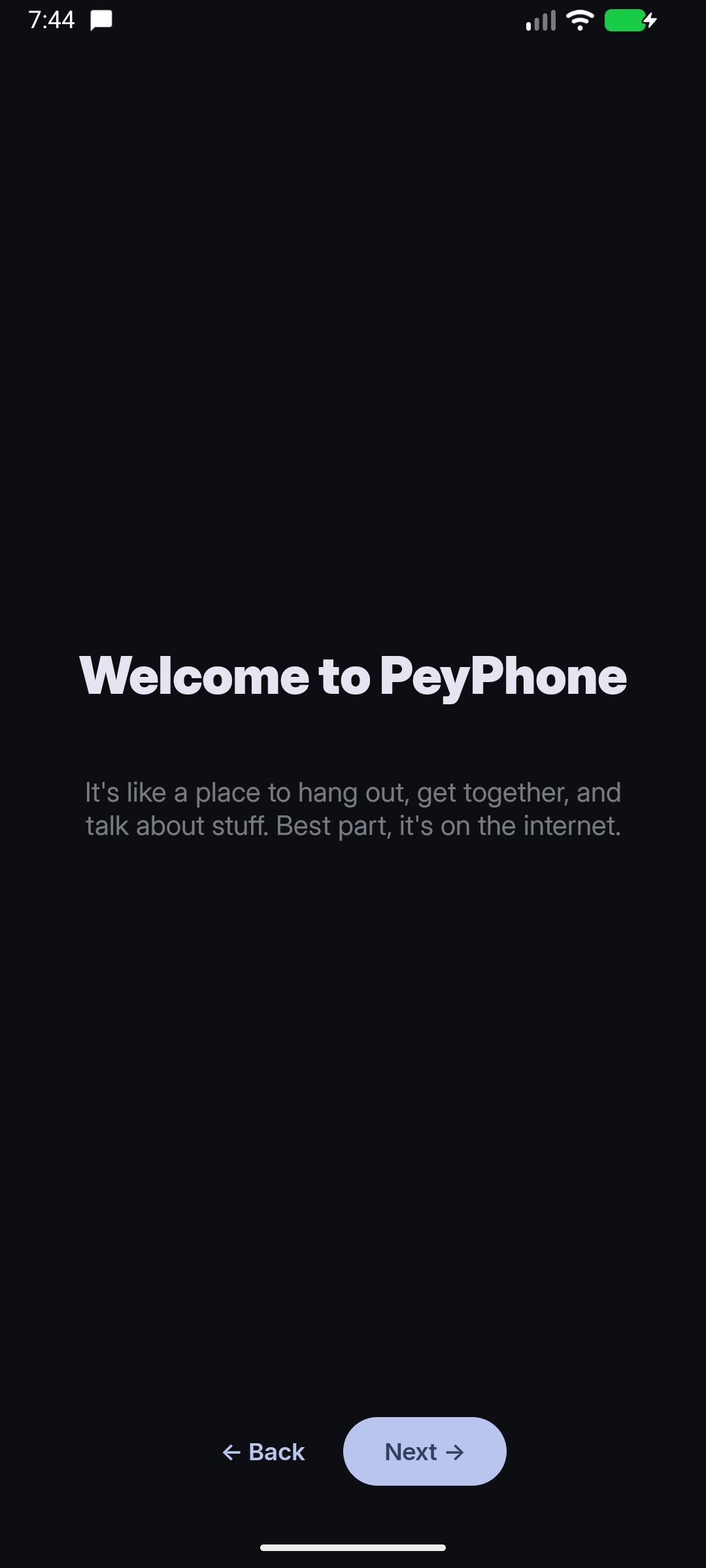
Screenshots

How to install

  1. Download the APK file on your Android phone using the button above.
  2. Open the downloaded file. If Android asks, allow installing apps from this source (Settings → Install unknown apps → your browser or file manager).
  3. Tap “Install” and wait for the installation to finish.
  4. Open PeyPhone and log in with your existing account, or sign up.

Download APK